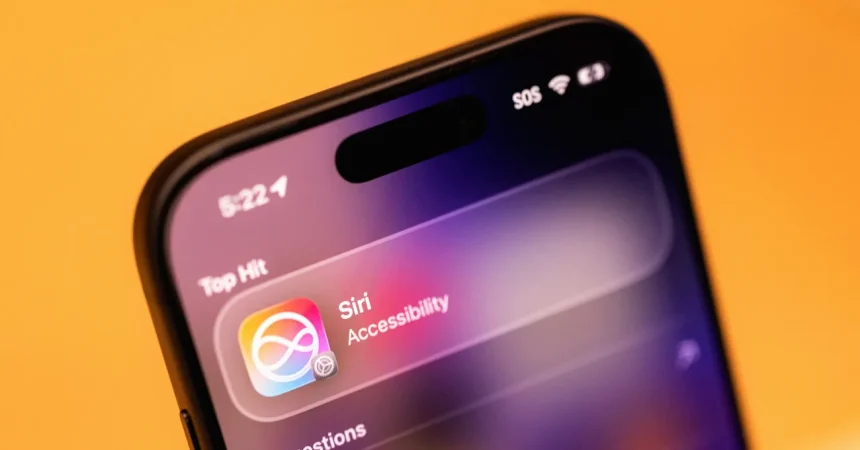
Apple’s latest iteration of Siri represents a significant leap forward, moving beyond simple voice commands to become a deeply integrated, context-aware assistant embedded into the very fabric of your devices. If you are ever concerned about privacy or want to limit the data Siri gathers, the power remains firmly in your hands. By navigating to your phone’s Settings and selecting the Siri AI section, you’ll find an “App Access” menu. From there, you can easily toggle off the “Learn from this App” feature for any individual application. This gives you granular control over how much information Siri “learns” from your habits, ensuring that the assistant only observes what you are comfortable with, rather than tracking everything you do by default.
The user experience has been drastically reimagined, making Siri feel less like a rigid robot and more like a fluid interface element. Now, when you simply swipe down anywhere on your home screen, the new Siri AI pops up as a search and command bar. Gone are the days of feeling like you have to use a specific, scripted tone. You can type out your thoughts or tap the microphone to speak naturally. When I tested this with a request for driving directions to Sacramento, the system didn’t just give me a static response; it proactively opened my Maps app with a route ready to go. It is a seamless marriage of convenience and utility, though for those who prefer the classic web search style, the option to view traditional results is always just a tap away.
Perhaps the most impressive improvement is Siri’s newfound “onscreen awareness.” In the past, assistants were often blind to what you were actually doing at the moment. Today, Siri can analyze what is currently visible on your display to provide instant context. If you are scrolling through a social media feed and see a headline that confuses you, you don’t need to laboriously copy, paste, or explain the context to the assistant. You can simply ask a vague question like, “Where did she say this?” and Siri will correlate the information on your screen with real-world news to give you an accurate, informed answer. It turns your smartphone into a research partner that understands exactly what you are looking at.
Siri’s perception also extends to the physical world, blurring the lines between your screen and your surroundings. A new, dedicated Siri tab within the camera app acts as a digital set of eyes. With a simple tap, the AI can analyze whatever you are pointing your camera at—whether it’s a landmark, a product, or a piece of art—and provide a helpful summary or contextual breakdown in seconds. If you need more technical details or source links, you can easily access them by interacting with the generated text. It is a bridge between the physical and digital worlds that feels genuinely futuristic, allowing you to learn about your environment without ever needing to jump into a separate search app.
This intelligent ecosystem is not confined to your pocket; it is being rolled out across Apple’s entire product line, ensuring a consistent experience whether you are using an iPad, a MacBook, or even the Vision Pro headset. However, it is worth noting that this level of sophisticated AI processing requires powerful hardware. These features aren’t just software updates; they are computationally heavy, meaning you’ll need an iPhone 15 Pro or a newer model to unlock the full potential of these tools. Apple is positioning this as a high-end experience, clearly segmenting the “new” Siri from the basic voice controls of previous generations to ensure the device can handle the heavy lifting required for real-time analysis.
Beyond just searching and watching, the new Siri is becoming an active participant in your communication and productivity. The “Write with Siri” feature is a genuine game-changer for those of us who get bogged down in drafting messages or notes. You can simply provide a rough concept—like wanting to discuss storage solutions for your apartment with a partner—and Siri will draft a coherent, well-structured message that mimics your personal voice. It feels like a genuine evolution in how we use our phones, shifting from a tool we struggle to operate to an intelligent partner that anticipates our needs and helps us communicate with clarity and ease.